
A weather station displaying inconsistent data, an outdoor sensor that no longer responds, or a lost Wi-Fi connection after a battery change: these situations drive thousands of users each year to seek how to reset their weather station. The procedure seems simple on paper, but a mishandling can worsen the problem or even render the console unusable.
Partial or complete reset of a weather station: two procedures not to confuse
In recent years, several manufacturers like Davis Instruments and Ecowitt have clearly distinguished two levels of reset in their manuals. However, this distinction is often absent from most online tutorials, leading to recurring errors.
The radio or sensory reset only disconnects the link between the console and its outdoor sensors. It forces a new pairing without touching the custom settings, data history, or Wi-Fi configuration. This is the procedure to prefer when only the outdoor sensor signal is problematic.
The complete reset (factory reset) erases everything: temperature history, network settings, time zone, alert thresholds. It returns the station to the state it was in when it came out of the box. Exploring the solutions to reset a weather station, this difference between the two levels appears as the first trap to avoid.
Confusing the two means losing months of data for a simple radio link issue. Before any manipulation, check in the manual of the relevant model if both procedures exist and which one corresponds to the observed symptom.

Connected weather station: software reset via mobile app
Recent connected stations (Netatmo, Ecowitt, Bresser, Froggit) have evolved the method. The majority of these models now include a software reset function accessible from the mobile app or web interface, without needing to physically touch the console.
This software reset has a concrete advantage: it allows precisely targeting what needs to be reset. On a Netatmo station, for example, the app offers to restart the Wi-Fi connection without erasing the measurement history. On Ecowitt models from the WH series, the firmware updated since 2023 offers similar granular options.
However, this convenience has a limit. The reset via app assumes that the station is still connected to the network. If the Wi-Fi connection itself is down, one must revert to the physical method: removing the batteries, pressing and holding the reset button on the console, then fully reconfiguring the network.
Order of operations for an effective physical reset
- First, remove the batteries from the outdoor sensor (or probe), then from the indoor console. Wait several minutes before powering back on, always starting with the outdoor sensor.
- Only replace the console batteries once the outdoor sensor is powered and in transmission mode. The console searches for a signal as soon as it is powered on: if the sensor is not yet transmitting, pairing will fail.
- Ensure that the batteries are new and of good quality. Partially discharged batteries may be enough to light up the screen but not to establish a stable radio link with the sensor.
This sequence (sensor first, console second) is recommended by La Crosse Technology in its manuals, especially for radio-controlled models like the WS6862 or WS7394.
Firmware and recovery mode: unblocking a weather station after a failed reset
A poorly executed reset can leave the station in an intermediate state where neither the screen nor the sensors respond normally. In recent years, several manufacturers have integrated recovery procedures to address this specific case.
The Froggit HP, Bresser 4cast, and Bresser 6-in-1 series, for example, allow restoring the console’s firmware via a micro-SD card or USB port. The operation involves copying the firmware file provided by the manufacturer onto the card, inserting it into the console, and then forcing a restart by holding down a combination of buttons. The station then reflashes its internal software and restarts with factory settings.
This option remains little known. Field reports vary on this point: some users report a successful reflash without difficulty, while others indicate that the procedure only works with a specific firmware version. Consulting the release notes published by the manufacturer before any recovery attempt avoids unpleasant surprises.
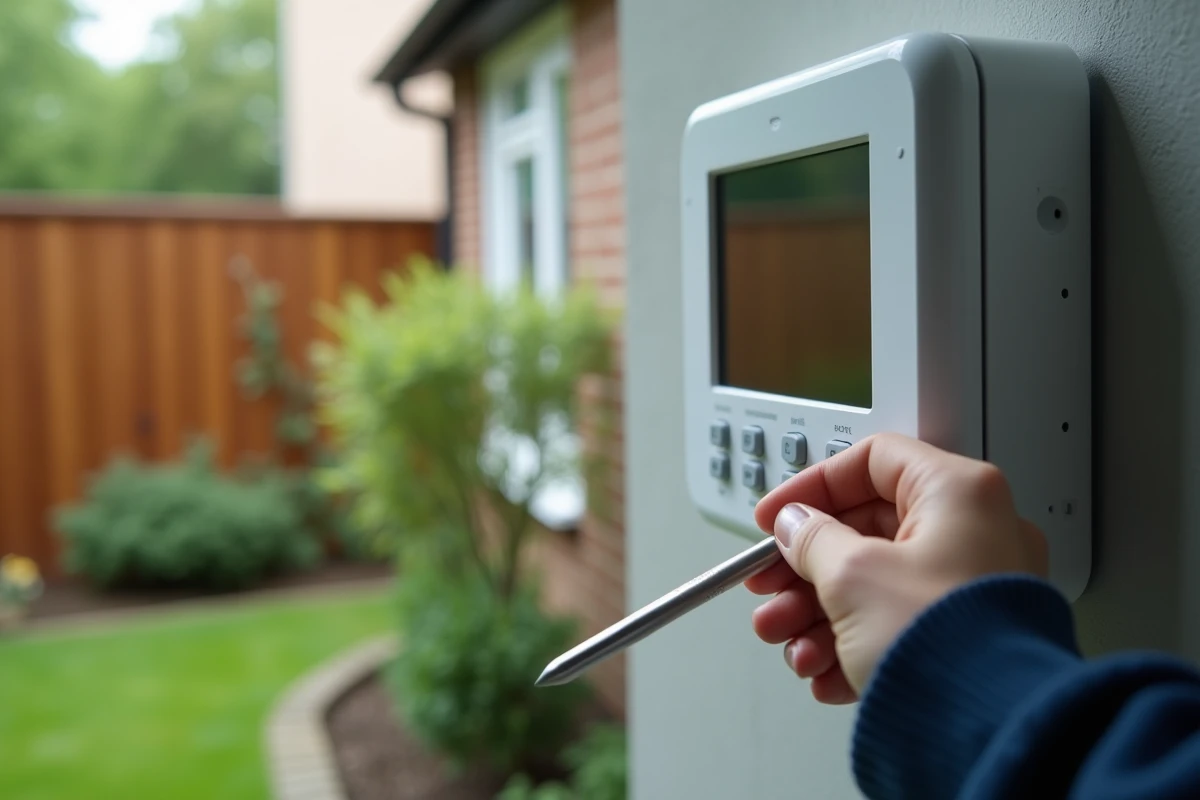
Stations offline after a reset: a growing problem on data platforms
Amateur weather data collection platforms like Weather Underground and Ecowitt Weather have noted since late 2023 a rise in stations reported offline after poorly executed resets. The most common scenario: the user resets their station but forgets to reconfigure the API key or station ID necessary to send data to the platform.
The complete reset erases these identifiers. Without manual reconfiguration in the app or web interface, the station operates locally but no longer transmits anything online. For enthusiasts who share their readings with the weather community, this is a detail that can go unnoticed for weeks.
Precautions before initiating a complete reset
- Note the API key, station ID, and password associated with each sharing platform before any reset.
- Export the data history if the app or console allows it. Some Ecowitt and Netatmo models offer a CSV export from the web interface.
- Check the installed firmware version and compare it to the latest version available on the manufacturer’s website. A reset followed by a firmware update reduces the risk of recurring bugs.
The reflex to reset at the slightest malfunction should be tempered. A simple restart (removing and reinserting the batteries without pressing the reset button) is sufficient in most cases of temporary signal loss. Reserve the complete reset for situations where the displayed data remains inconsistent after a simple restart to protect both the station’s history and network configuration.