Installing a TV decoder may seem daunting for some, but by following a few key steps, it can be accomplished successfully and easily. Before you begin, make sure you have all the necessary components: the decoder, the appropriate cables, a stable Internet connection if required for streaming services, and of course, a compatible television. The first step is to connect the decoder to the television using an HDMI or SCART cable. It should be connected to the power source and, if necessary, to the Internet. After turning on the decoder, the initial setup follows, which includes scanning for available channels, adjusting language and screen resolution settings. A final check for firmware updates will ensure that the device operates with the latest features and security patches.
Preparing and Connecting Your TV Decoder
Before diving into the technical intricacies of connecting a TV decoder, take a moment to identify your equipment. Whether you are facing an Orange decoder or any other device, the process remains similar. For Orange subscribers, it turns out that the Orange TV decoder offers different methods to install your equipment, each with its advantages and disadvantages.
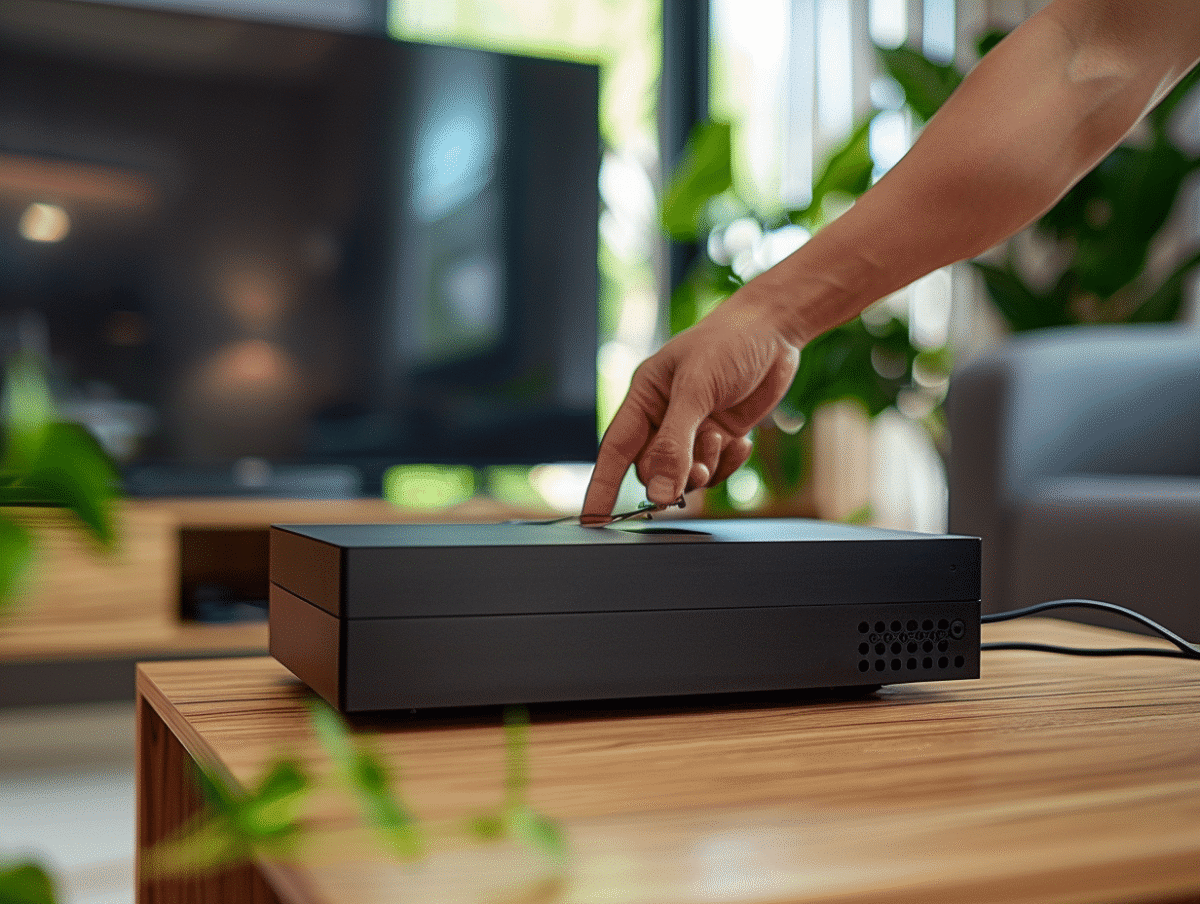
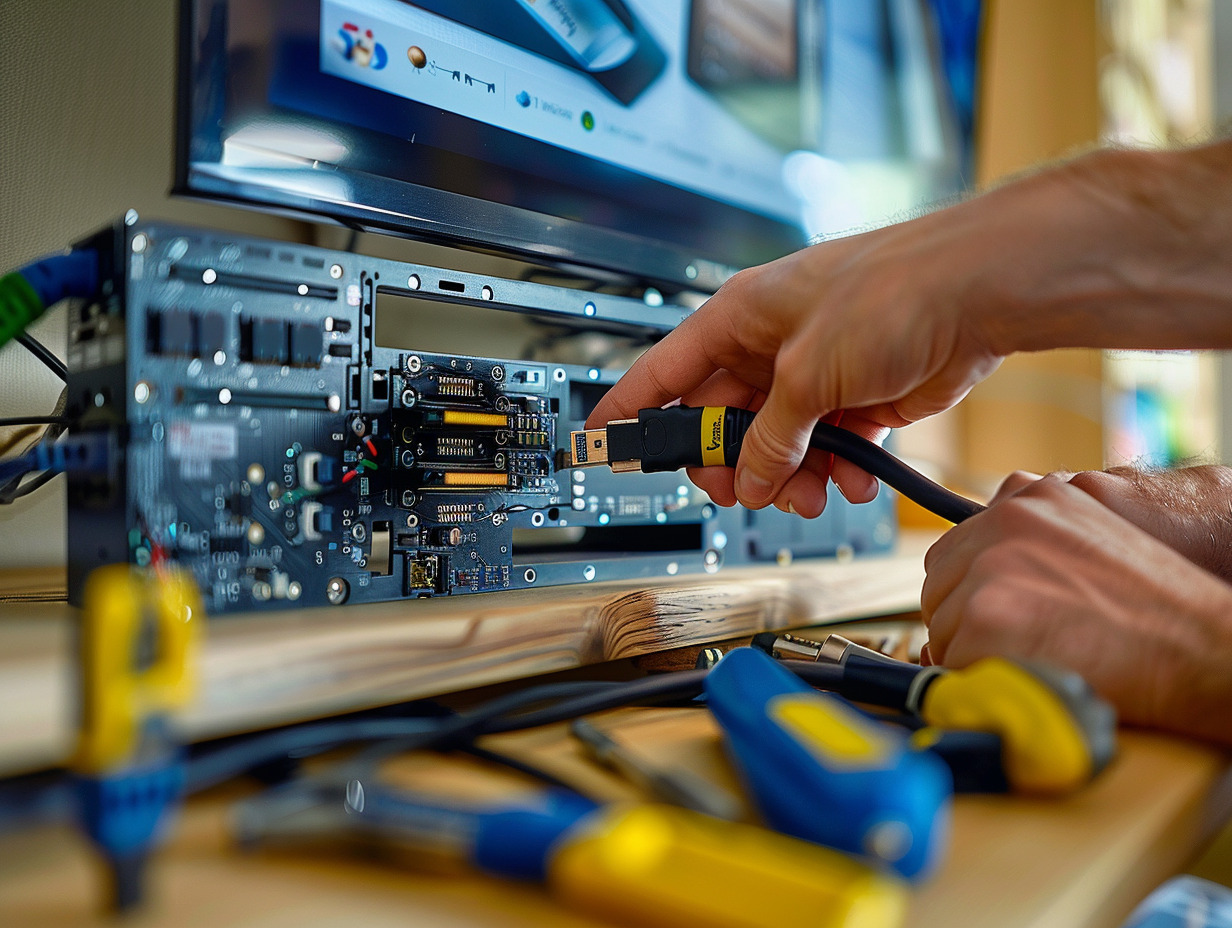
To start the installation, connect the decoder to your television. Take your HDMI cable and connect your decoder to the TV, ensuring optimal transmission of image and sound. Users wanting to know how to connect a Bbox Miami will find specific instructions in their equipment manual, as each model has its particularities.
The next step is to connect the decoder to your home network. You can choose between a wired connection using an Ethernet Cable, directly plugged into your Livebox, or a wireless connection via Wifi. Some may prefer PLC adapters, which use the electrical network to extend the range of your Internet connection without requiring additional wiring.
Consider using a Wifi Repeater Orange or a TV Extender, which can improve the Wifi signal in hard-to-reach areas of your home or provide a more stable connection for your decoder. Keep in mind that the quality of TV reception will greatly depend on the quality of your Internet connection, hence the usefulness of a prior speed test.
Configuring and Activating the Decoder
After establishing the physical connection of your decoder, focus on the configuration of the device. The intuitive interface of the Orange TV decoder guides you through the necessary steps. Ensure that the Internet connection is active; a speed test may be useful to anticipate the reception quality of the channels. With the Orange decoder, you can access your favorite programs via IPTV, without needing a traditional antenna.
For customers with a Samsung Smart TV, the Orange Option for Smart TV can be a convenient alternative. This solution allows you to receive TNT channels and Orange TV channels directly on your television, thus avoiding the use of an external decoder. The installation is done through the Orange TV App, which also turns your mobile into a second screen.
Technology enthusiasts will appreciate additional features such as screen sharing offered by Chromecast, or the ability to use the Microsoft Xbox to access the Orange TV app. These devices enhance the user experience by providing alternative methods to enjoy audiovisual content.
For those seeking a mobile and flexible solution, the Orange TV Key allows access to Orange TV channels without needing a traditional decoder. This compact device is particularly suited for users on the go who wish to maintain access to their favorite programs. Keep in mind that your mobile plan can be integrated with your Livebox offer, creating a convergent service ecosystem.