An outdated GPS can lead you in circles, lengthen your route, and make the new café where everyone meets invisible. At Citroën, some updates are offered, provided you know where to look: it all depends on the model and the year. From one vehicle to another, the method changes: sometimes a USB key, sometimes a simple download, or a visit to the dealership. Many drivers miss out on these free options due to a lack of clear information. Taking the time to check your system version means betting on smoother journeys and a more serene drive.
Why keeping your Citroën GPS up to date really makes a difference in daily life
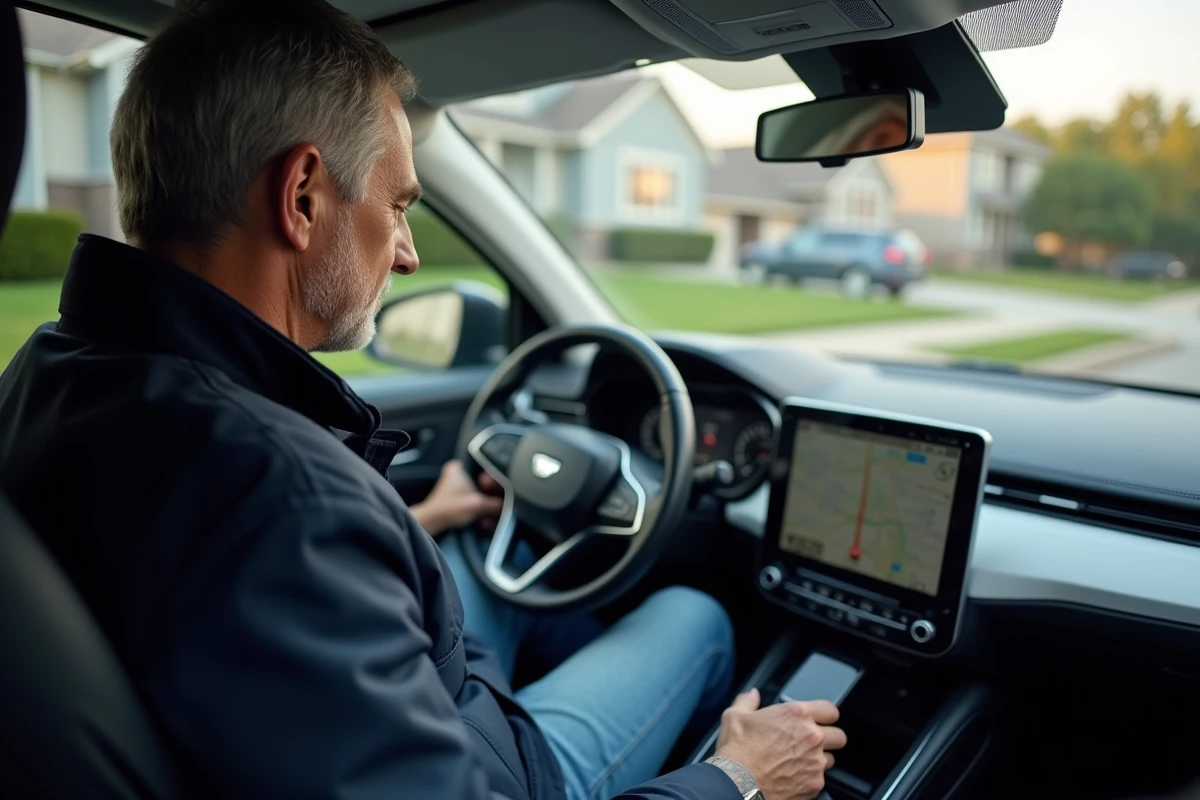
Inside the cabin, the integrated navigation system has become a daily ally. It maps the route, anticipates closures, and reveals barely opened paths. An up-to-date GPS means fewer detours, more accurate travel times, and above all, valuable reliability, even for the most mundane trips.
The map update plays a direct role in the quality of the proposed routes. A roundabout built last year, a renamed street, a construction site disrupting traffic: the map is constantly evolving. Sticking to an old version multiplies route errors and time losses. By keeping the system updated, you ensure that you find the right points of interest, benefit from relevant routes, and have constant adaptation to the reality on the ground.
To help you, a Citroën GPS update guide details the steps to follow based on your model: concrete steps, interpretation of notifications, choice of media (USB key, Wi-Fi…). Those who adopt this habit quickly notice: their car keeps pace with the world, whether for a workday or an unexpected getaway. Updating your GPS then becomes as natural as checking tire pressure or oil levels.
What are the simple and free methods to check and update your Citroën GPS?
Several solutions exist to keep your Citroën’s integrated GPS up to date, without cost or complication. It all starts with checking the version present in the vehicle. Just navigate to the “system info” menu: the version number of the mapping is displayed there. This allows you to see at a glance if an update is necessary.
To take action, equip yourself with internet access and a USB key formatted in FAT32. From your computer, go to the manufacturer’s website or a reliable platform such as automobile-reference.com. Enter your Citroën’s VIN number (visible on the registration document): this unique code allows you to download the exact version suitable for your model.
Once the file is copied to the USB key, plug it into the vehicle’s port. The system detects the update and guides the user, step by step. Expect around thirty minutes, depending on the size of the mapping. During this operation, keep the ignition or engine running to avoid any interruption.
This service is offered at no extra cost for most recent models: Citroën focuses on free access to mapping data. However, check the compatibility of your hardware, as some older vehicles may require technical intervention or the purchase of a specific SD card.

Discover Citroën’s connected services: much more than navigation, features to explore
The navigation system from Citroën goes far beyond route calculation. The vehicle screen becomes the control center for connected features, accessible instantly. The relationship between the driver and their car intensifies, thanks to an interface that keeps enriching itself.
Here are a few of them:
- Dynamic display of danger zones
- Vehicle maintenance reminders
- Access to compatible third-party applications
The real-time traffic information, for example, helps avoid traffic jams and slowdowns. With voice command available on certain car models, it becomes possible to search for an address, adjust the volume, or check the weather, simply by speaking. Citroën has also integrated useful points of interest: charging stations, gas stations, parking lots, all regularly updated via the cloud.
Thanks to this dedicated software, navigation is no longer limited to a simple map: it adapts, syncs, and enriches itself. All these features create a digital environment where the road is no longer endured but anticipated. The car is no longer just a means of transport: it becomes a mobility partner, ready to accompany every trip, every detour, every novelty of daily life.